
Frontdesk App – Visitor Check-in
The Visitor Check-in is a dedicated tablet interface positioned at the reception of Ofis Square locations. It simplifies the visitor management process, replacing manual registers with a digital, secure, and automated check-in experience.
Key Responsibilities
- Name
Visitor Registration- Description
Digitally capture visitor details including name, contact info, and company.
- Name
Host Notifications- Description
Instantly alert members when their guests arrive via Push, SMS, and Email.
- Name
Security & Compliance- Description
Maintain a real-time digital log and capture live photos of all visitors for security audit trails.
- Name
Self-Service Check-In- Description
Enable guests to check into pre-scheduled meetings via a QR code scan.
Hardware & Access
The application is designed to run in "Kiosk Mode" on high-definition tablets (iPad/Android) mounted at the front desk.
Visitor Entry Flow
The Kiosk manages a seamless 5-step workflow designed to minimize friction for the visitor while ensuring the host is prepared for their arrival.
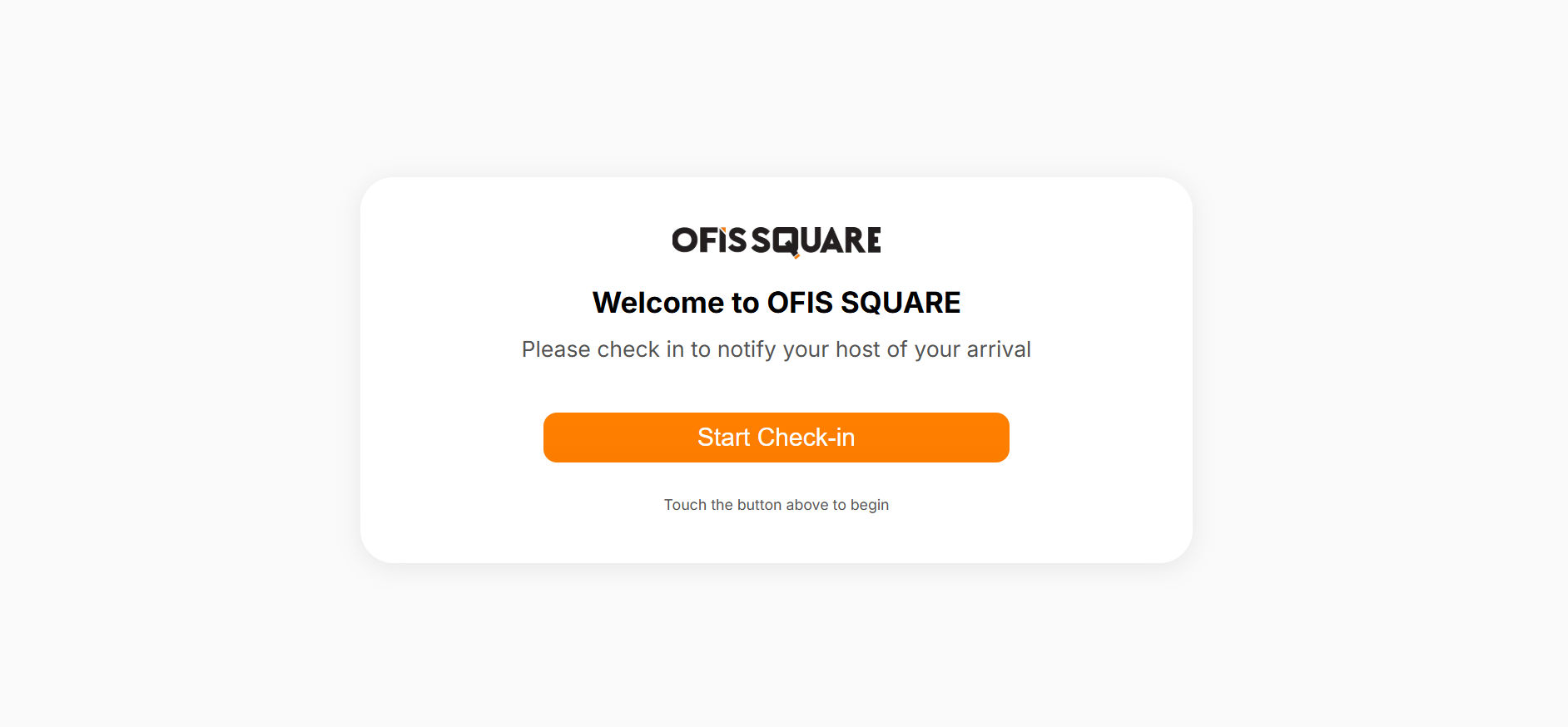
1. Welcome & Initial Check-In
The landing screen greets the visitor with a clear "Check In" call to action.
- Walk-Ins: Visitors without a prior invitation start a fresh registration.
- Invited Guests: Visitors who received a QR code in their invitation email can scan it for an instant check-in, bypassing the manual form entry.
2. Identity Capture
The platform captures essential visitor data to maintain building security and host context.
Fields Captured:
- Full Name (Required): Used for host alerts and security logs.
- Phone Number (Required): Used for verification and sending check-in confirmations.
- Email (Optional): For sending meeting follow-ups or digital floor plans.
- Company (Optional): Provides context to the host (e.g., "John Doe from Google is here").
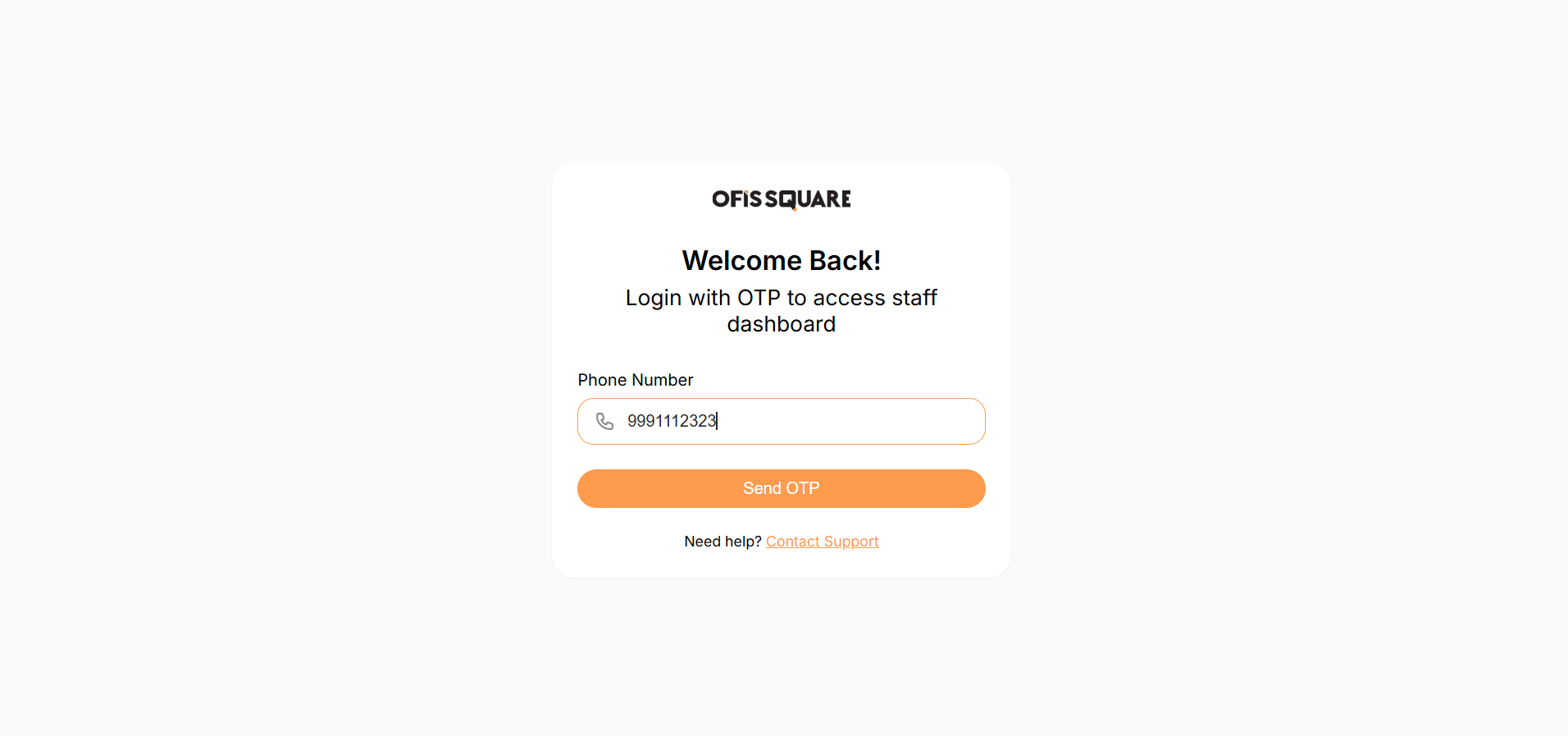
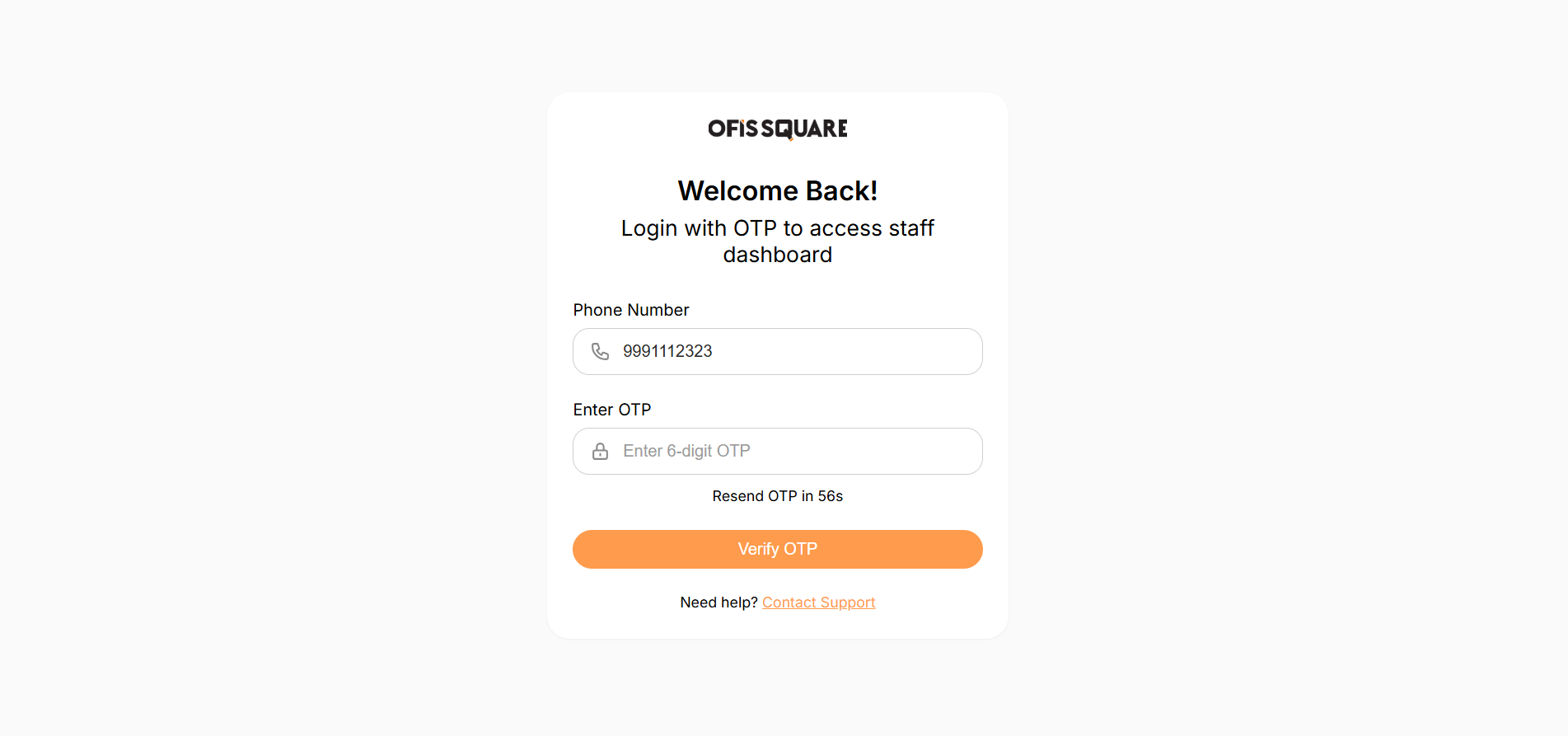
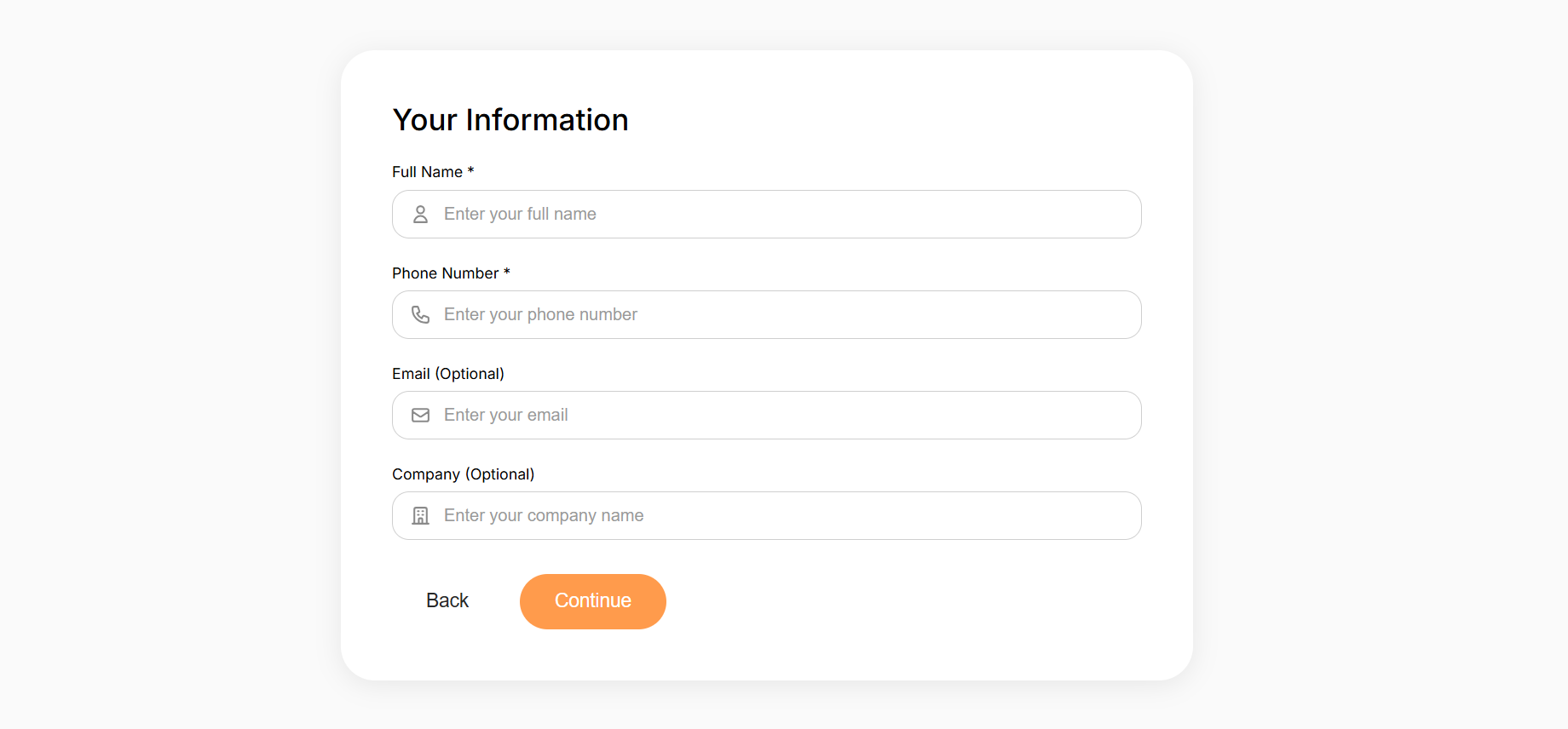
The system verifies the visitor via a secure OTP loop before capturing their primary contact details and company context.
3. Host Selection
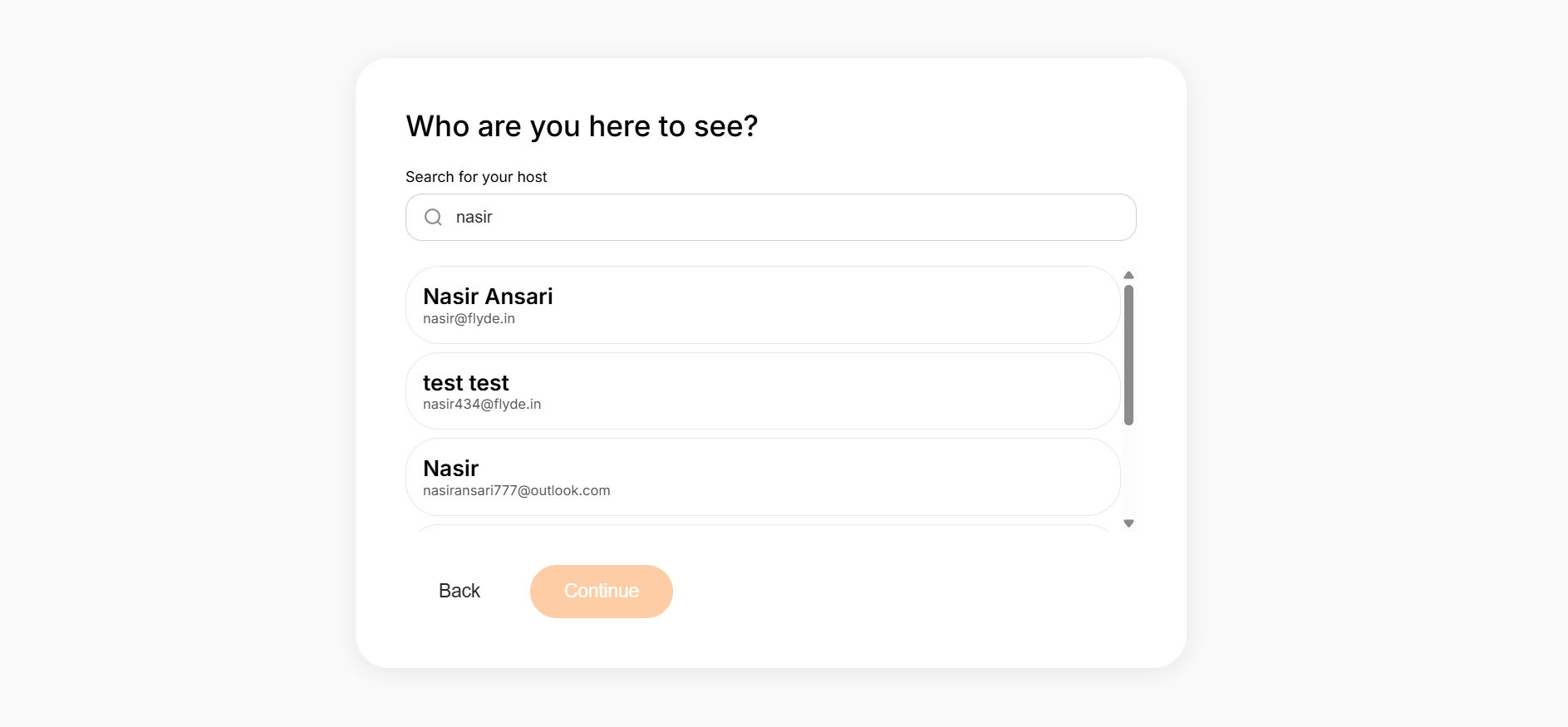
To ensure the correct member is notified, the visitor utilizes a real-time global search.
The Handshake:
- The visitor types the Name or Email of the person they are visiting.
- The Kiosk queries the Ofis Square database and presents a filtered list of members.
- The visitor selects their host, which automatically retrieves the host's notification preferences.
4. Security Photo
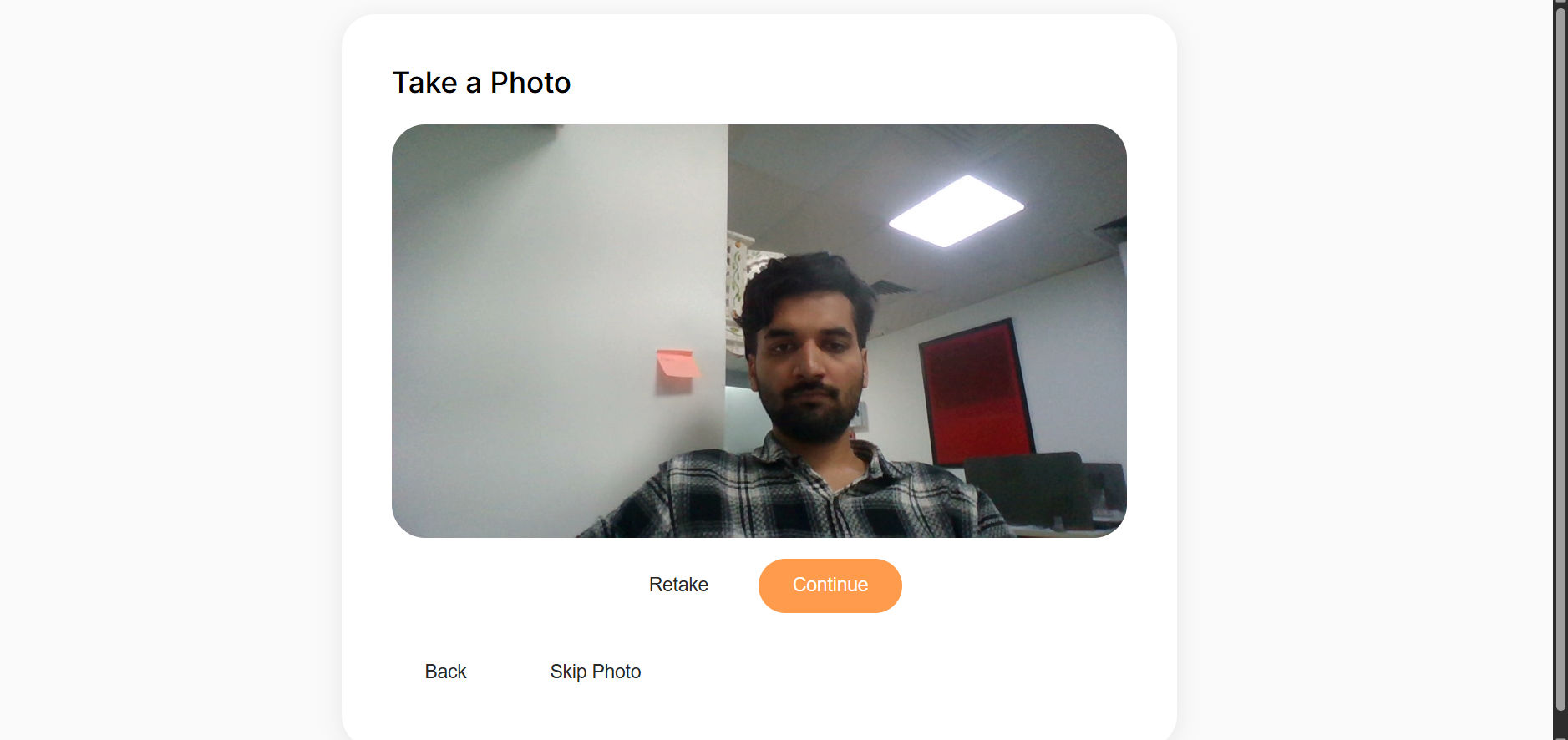
A critical step for building safety. The kiosk utilizes the tablet's front-facing camera to take a live capture of the visitor.
- Process: The visitor aligns their face in the frame and captures a photo.
- Skip Option: Depending on location policies, this step can be bypassed if the visitor prefers or if the host has pre-validated their identity.
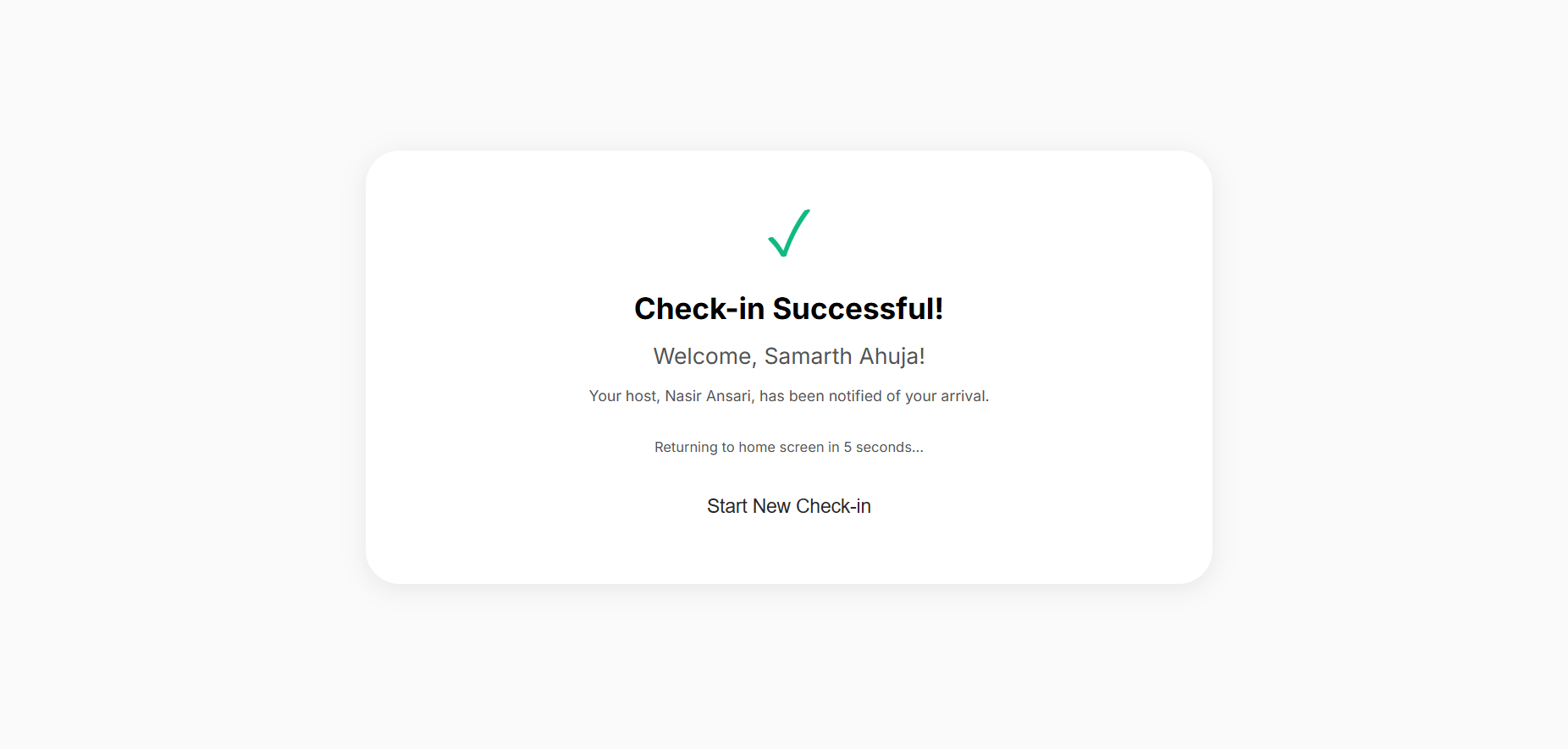
5. Host Handshake & Approval
Once the visitor submits their details, a multi-channel notification is triggered to the host.
Workflow Stages:
- Submission: Kiosk submits the payload (including
gender: maleby default and a photo) to the backend. - Notification: The host receives an instant "Visitor Alert" via the Member App and Email.
- Approval: The host can view the visitor's details and photo directly on their phone and click "Accept".
- Greet & Entry: Upon host approval, the visitor is officially checked in. The system can then send a "Visit Approved" SMS to the visitor and prompt the front desk staff to greet and escort them to the meeting zone.